

What is the
Gift Card?
The gift card is a digital voucher you can purchase for yourself or a loved one. You can choose from multiple amounts — And with every purchase, an instant discount may sometimes be applied to your current bill.
(The discount can vary based on the restaurant and gift card amount)
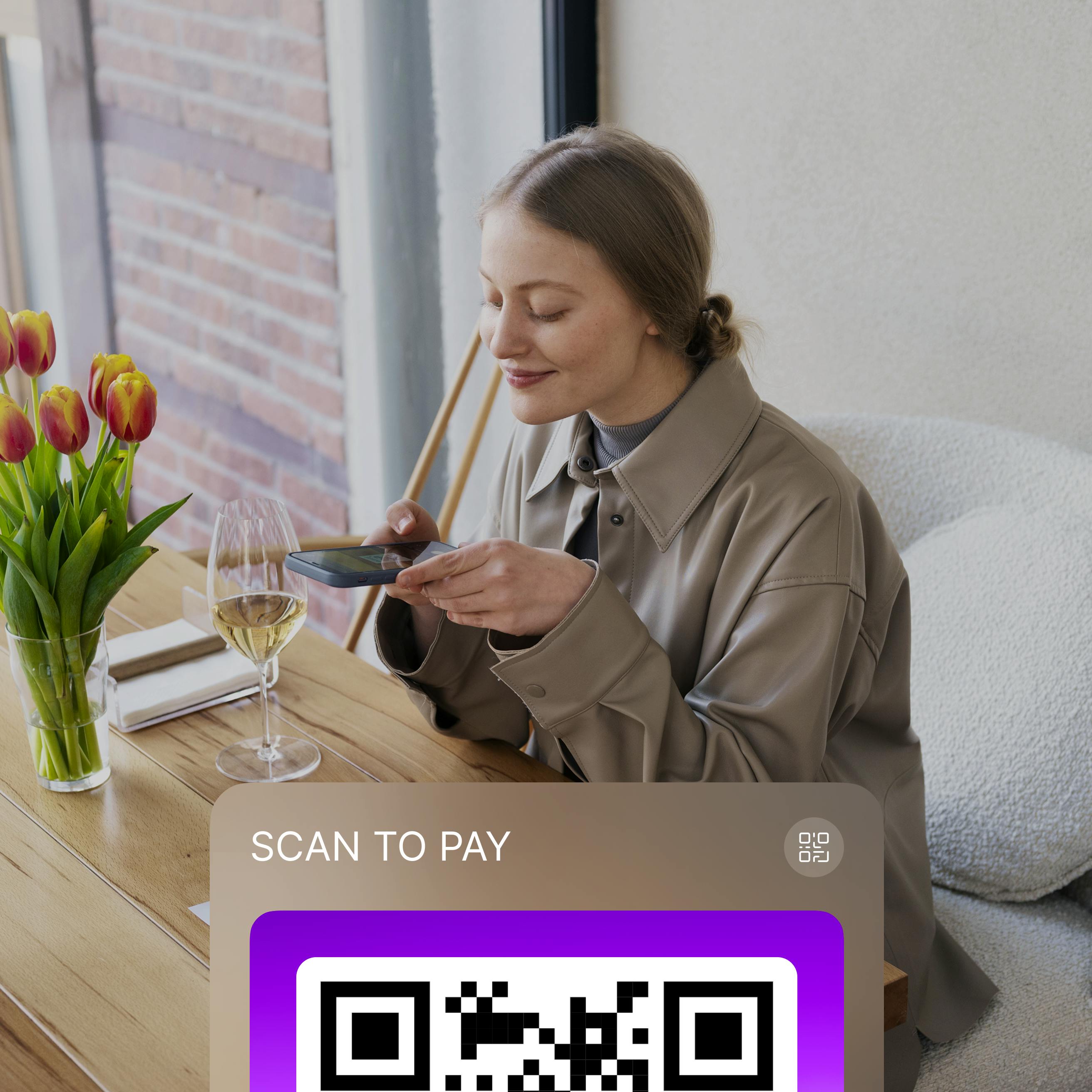

HOW TO PURCHASE qlub GIFT CARD?
You can only purchase the gift card from the bill or pay now page. So you can only see it after the waiter has received your order and punched it in the system. Which typically is 5 minutes after your order your food. It will look as follows:
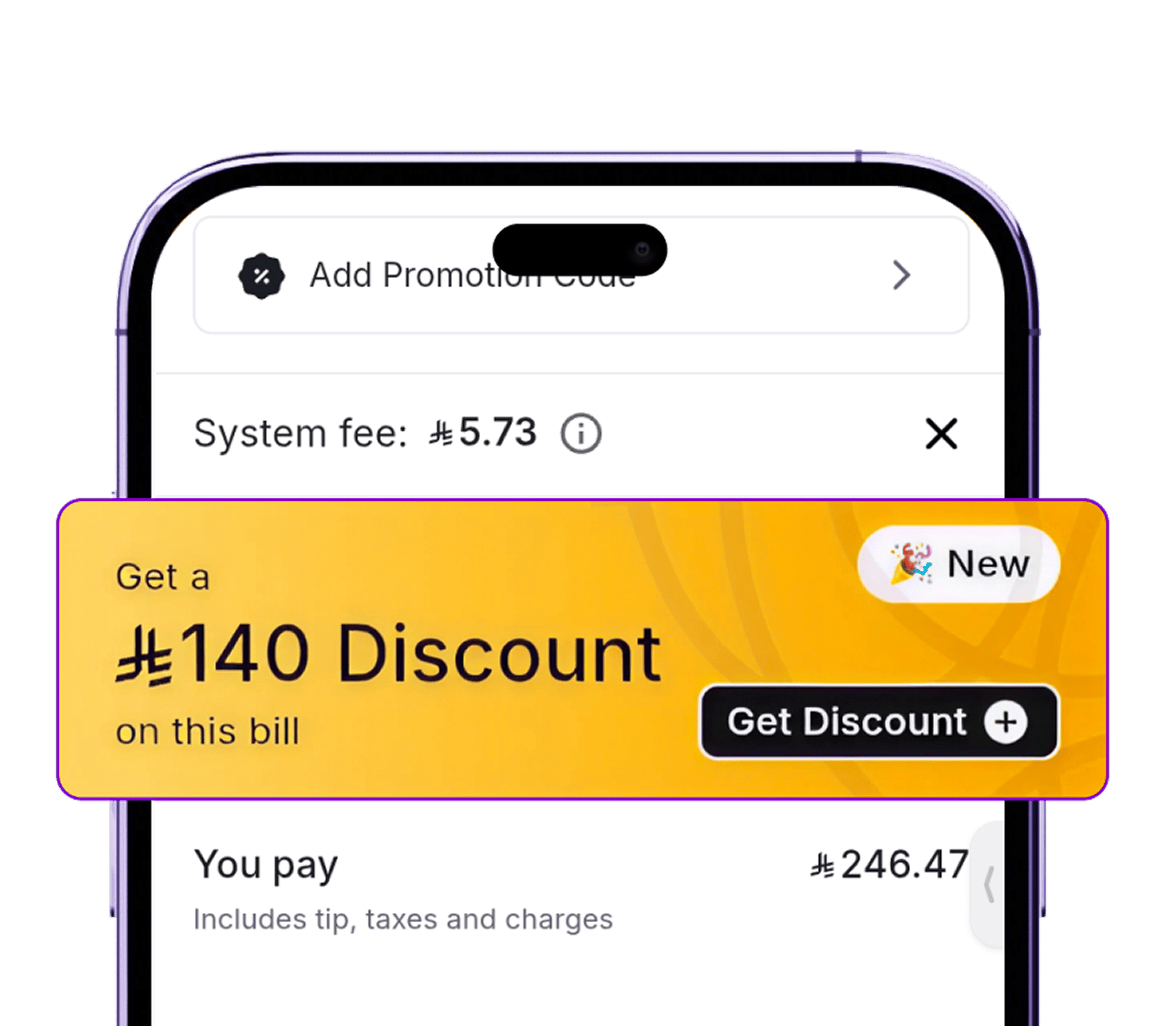
After your order is placed and entered by the waiter (usually ~5 minutes), go to the bill or pay now page.
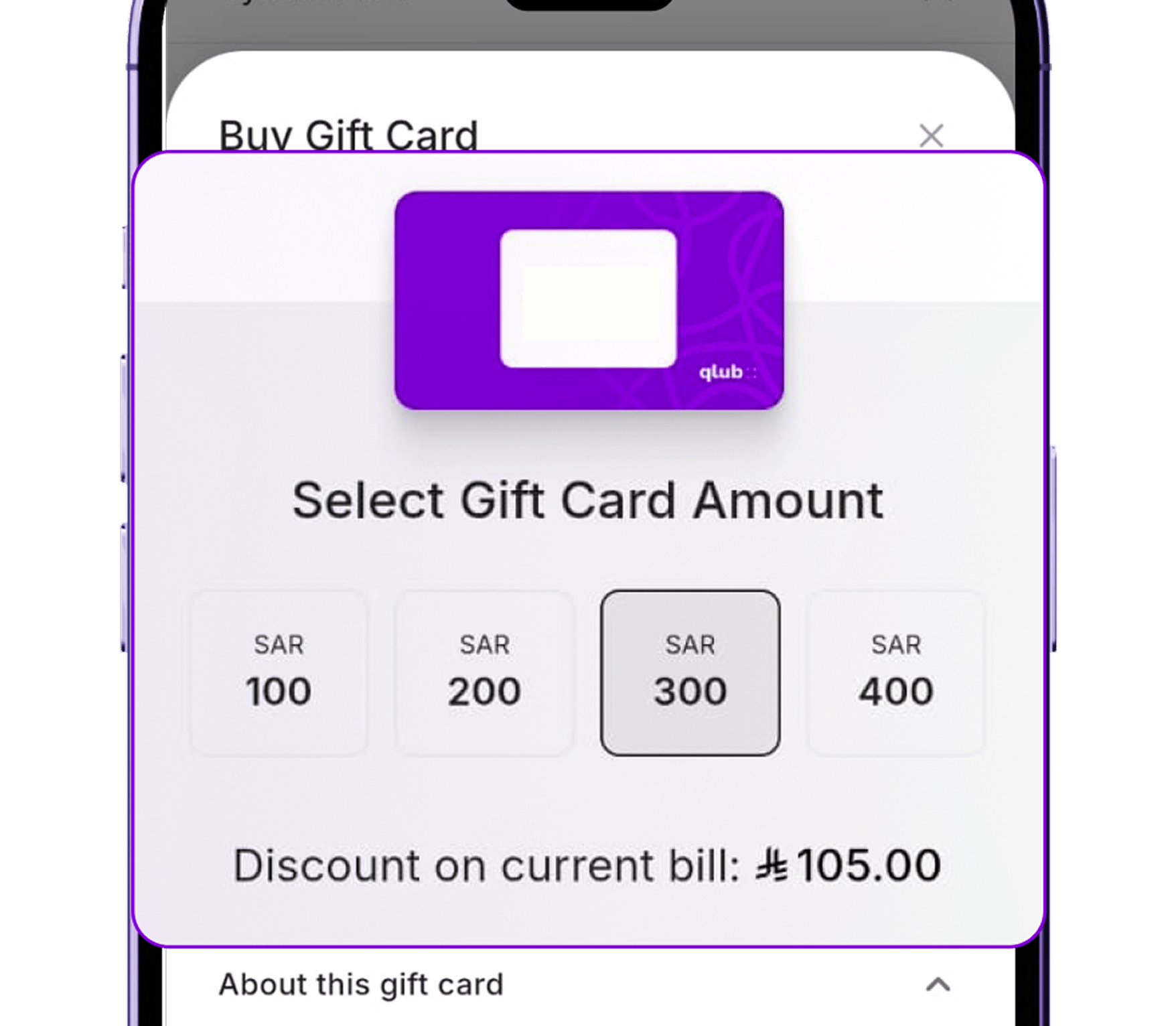
Tap the gift card banner under the Tips tab.
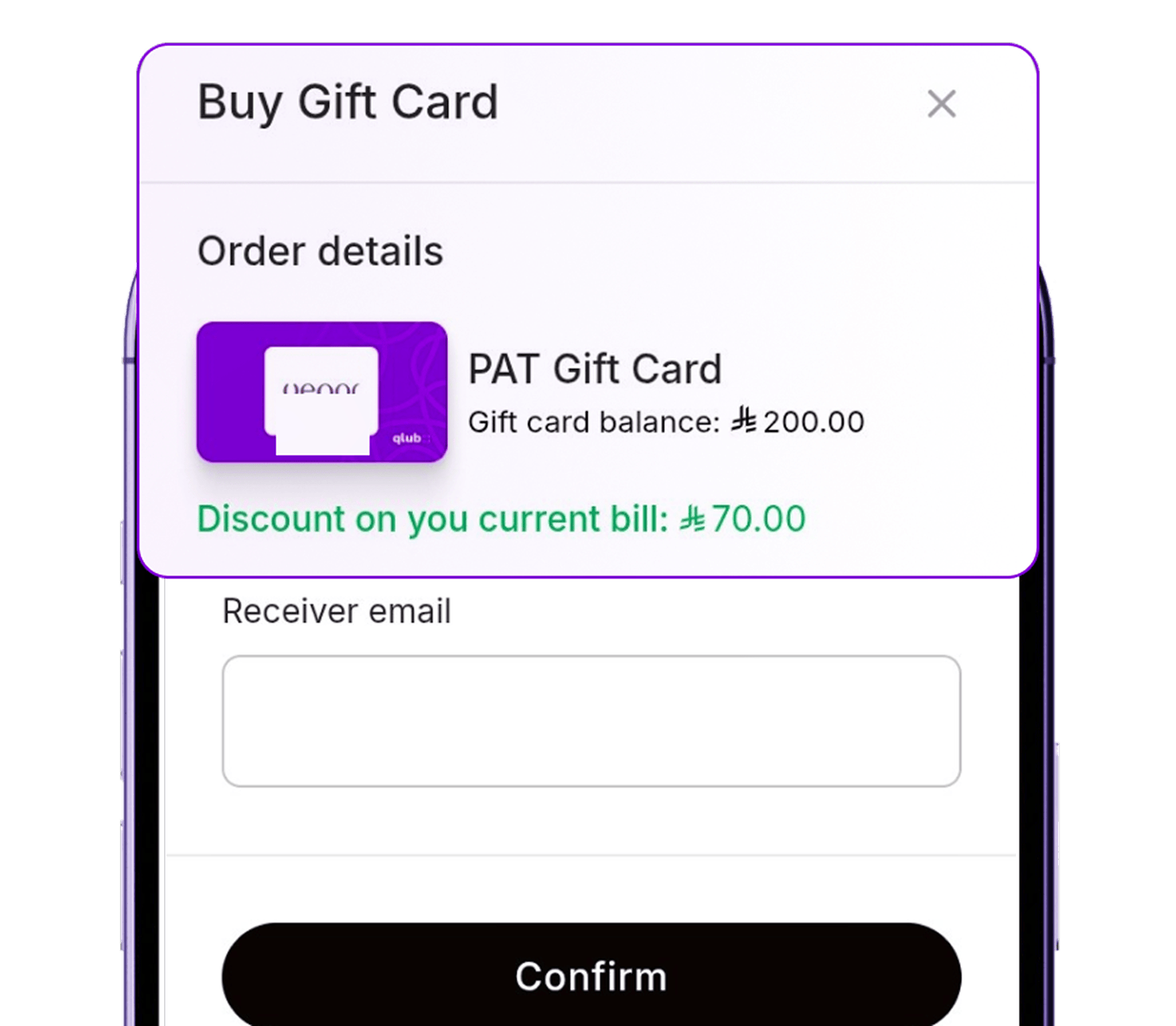
A popup will show different gift card amounts and the discount you'll get on each.
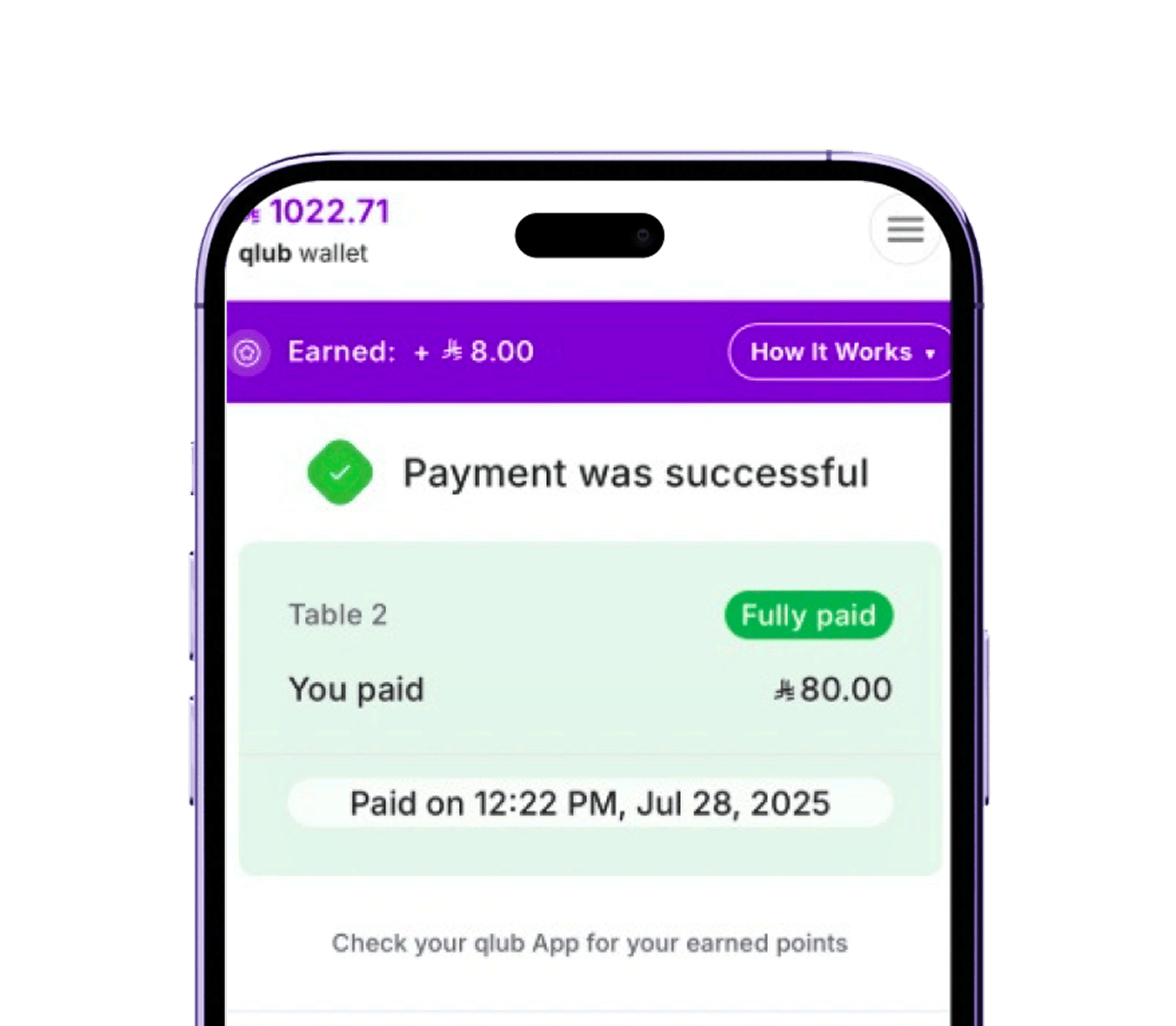
Pick the amount that suits you — and enjoy an instant discount on your bill!

How to reedem
the gift card
Enter the gift card code exactly as it is. Make sure there are no extra spaces or typos!
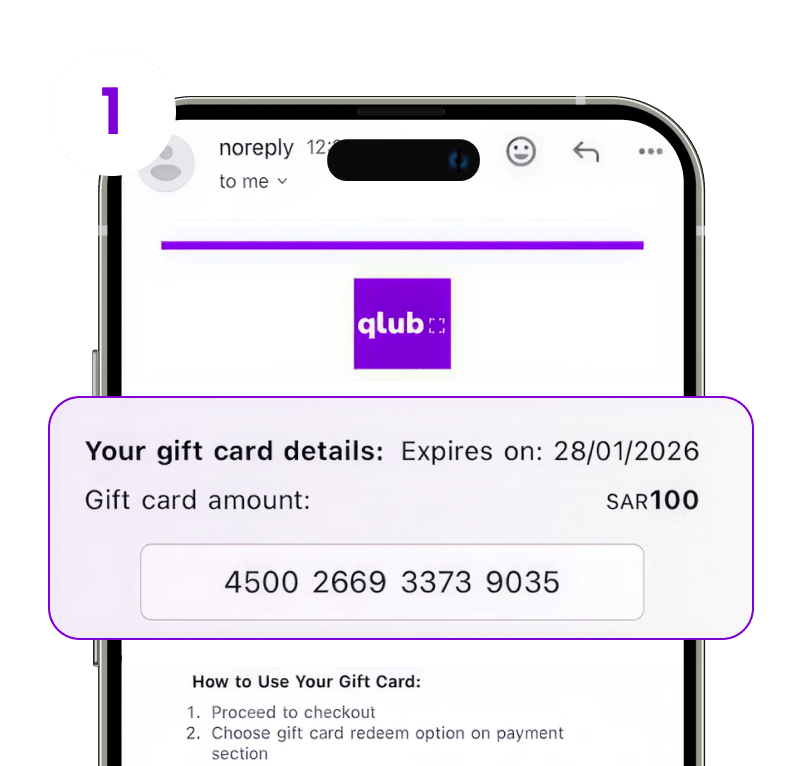
You’ll receive an email containing:
- A unique giftcard code
- The gift card amount
- The restaurant name
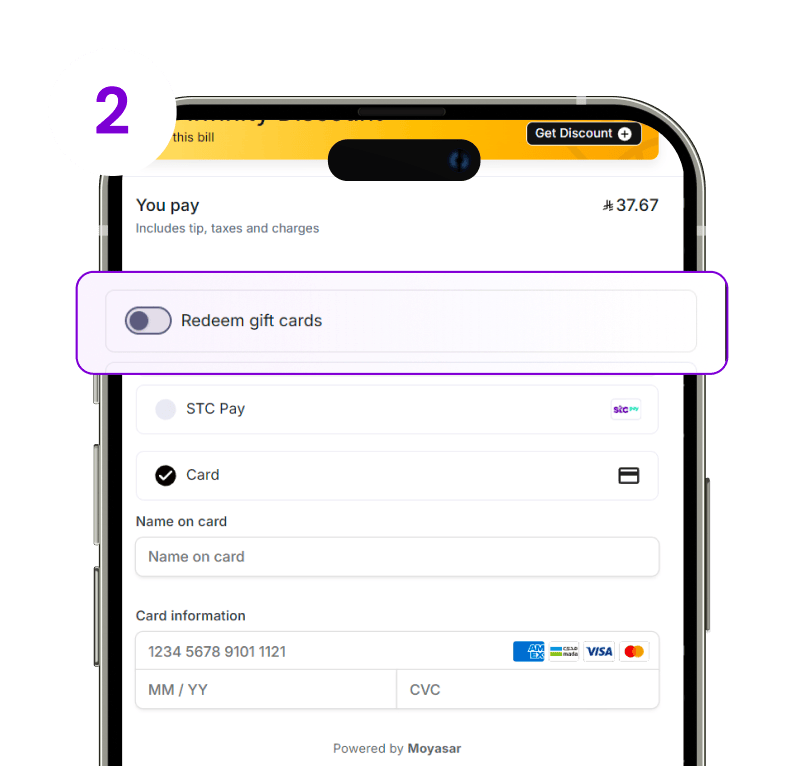
On your next visit, during checkout, activate the "Redeem Gift Card" tab
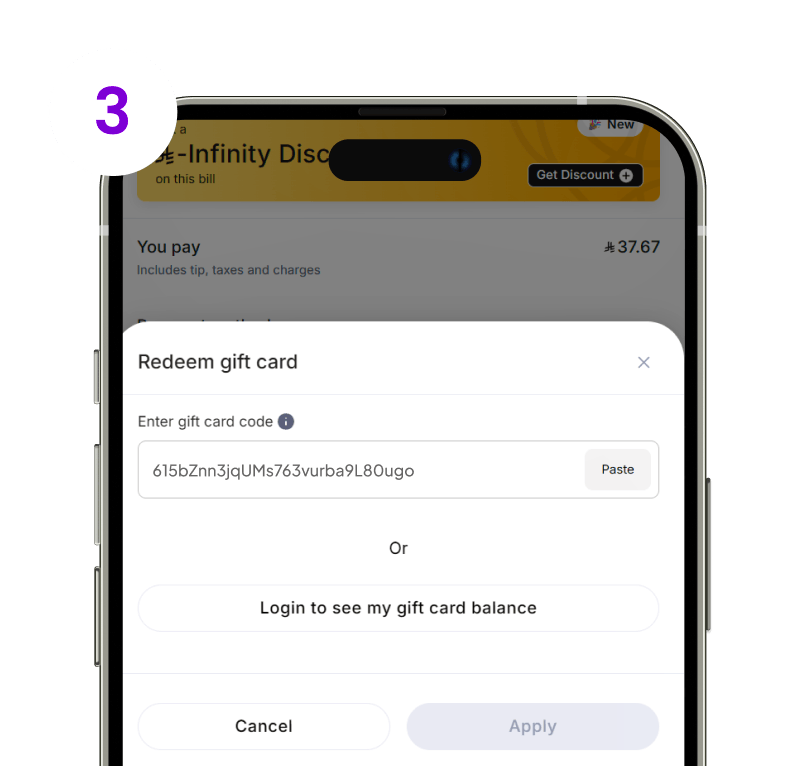
Enter the unique code from your email.
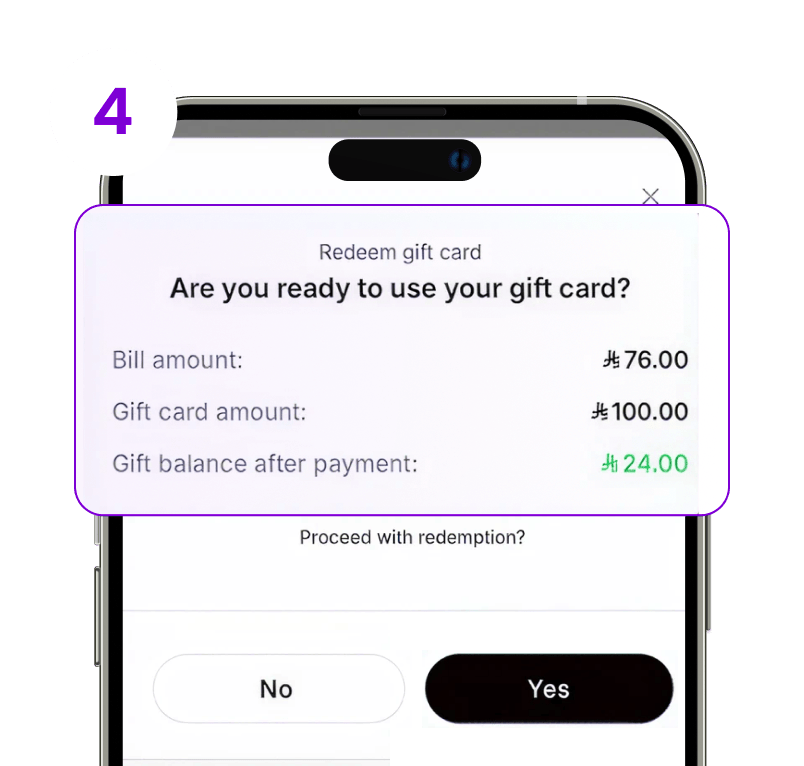
A popup will show bill amount before redemption and after, press “Yes” to confirm
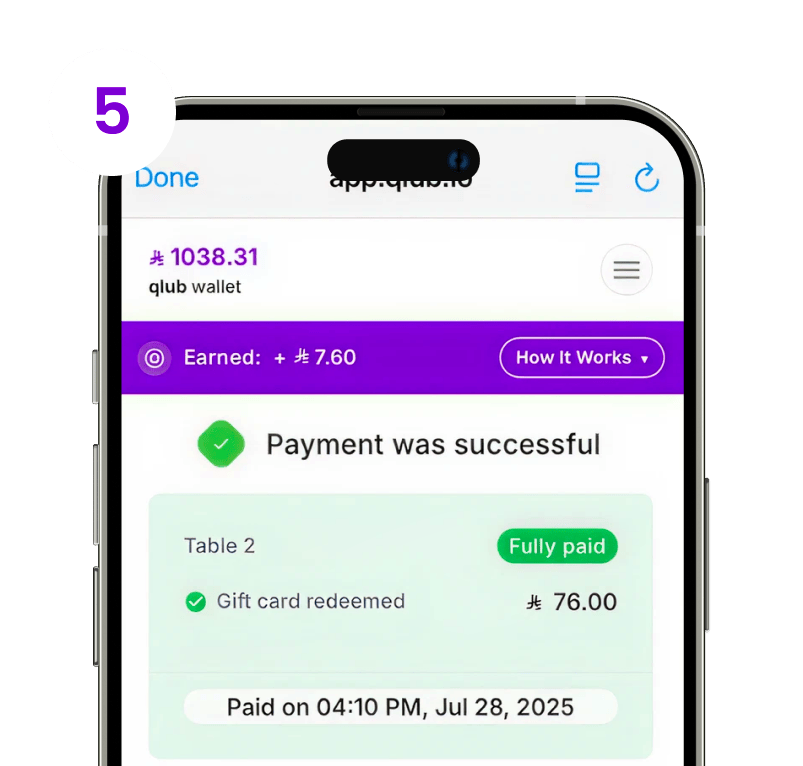
Once confirmed, the gift card amount will be automatically deducted from your bill.
Gift cards can only be redeemed at the restaurant they were purchased from.


frequently
asked questions
Need help? Find quick answers about redeeming codes, account settings, and other common topics here.


